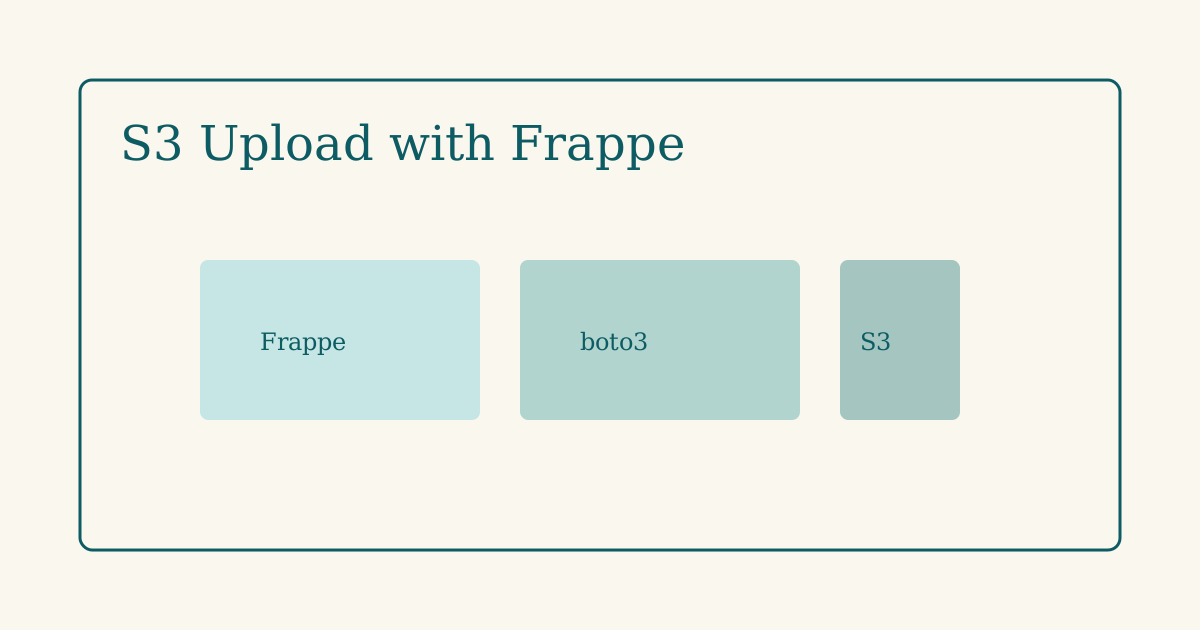
Frappe’s default file storage works until traffic or disk pressure shows up. Moving uploads to S3 keeps the bench lean and makes CDN delivery straightforward. Here is a pattern that stays close to Frappe conventions.
When to use presigned URLs
For browser uploads, generate a presigned PUT URL server-side and let the client upload directly to S3. The Frappe server never proxies large binaries.
import boto3
from frappe import _

@frappe.whitelist()
def get_presigned_upload_url(file_name: str, content_type: str) -> dict:
    s3 = boto3.client("s3")
    key = f"uploads/{frappe.session.user}/{file_name}"
    url = s3.generate_presigned_url(
        "put_object",
        Params={
            "Bucket": frappe.conf.s3_bucket,
            "Key": key,
            "ContentType": content_type,
        },
        ExpiresIn=300,
    )
    return {"url": url, "key": key}
Attach to a File doc
After the client upload succeeds, create the File record with the S3 key:
def register_s3_file(key: str, file_name: str) -> str:
    doc = frappe.get_doc({
        "doctype": "File",
        "file_name": file_name,
        "file_url": f"/api/method/my_app.s3.serve?key={key}",
        "is_private": 1,
    })
    doc.insert(ignore_permissions=True)
    return doc.name
Server-side upload (batch / imports)
For server-generated files, use upload_fileobj and skip the browser:
s3.upload_fileobj(buffer, bucket, key, ExtraArgs={"ContentType": mime})Configuration
Store credentials in site_config.json or SSM — never in the app repo:
| Key | Example |
|---|---|
s3_bucket |
my-app-prod-uploads |
aws_region |
ap-south-1 |
Error handling
- Validate MIME type and max size before presigning
- Short expiry (5 minutes) on presigned URLs
- Log failed
Fileinserts separately from S3 errors
Summary
Presigned uploads keep Frappe responsive; attaching S3 keys to File docs preserves permissions and desk UX. Start with private files and add CDN only when you need public delivery.